
Most business owners think AI automation is for companies with bigger budgets, bigger teams, or simpler workflows. They're wrong on all three counts.
The five tasks below are the ones we hear the most skepticism about. They're also the ones we automate most often for service businesses across South Florida and beyond. If you've been putting off automation because "our business is too complex for that," one of these probably sounds exactly like your Monday morning.
The complexity argument is almost always the last thing standing between a business owner and 8 hours back per week. Almost always.
1. Following Up With Leads
The task everyone thinks requires a human touch.
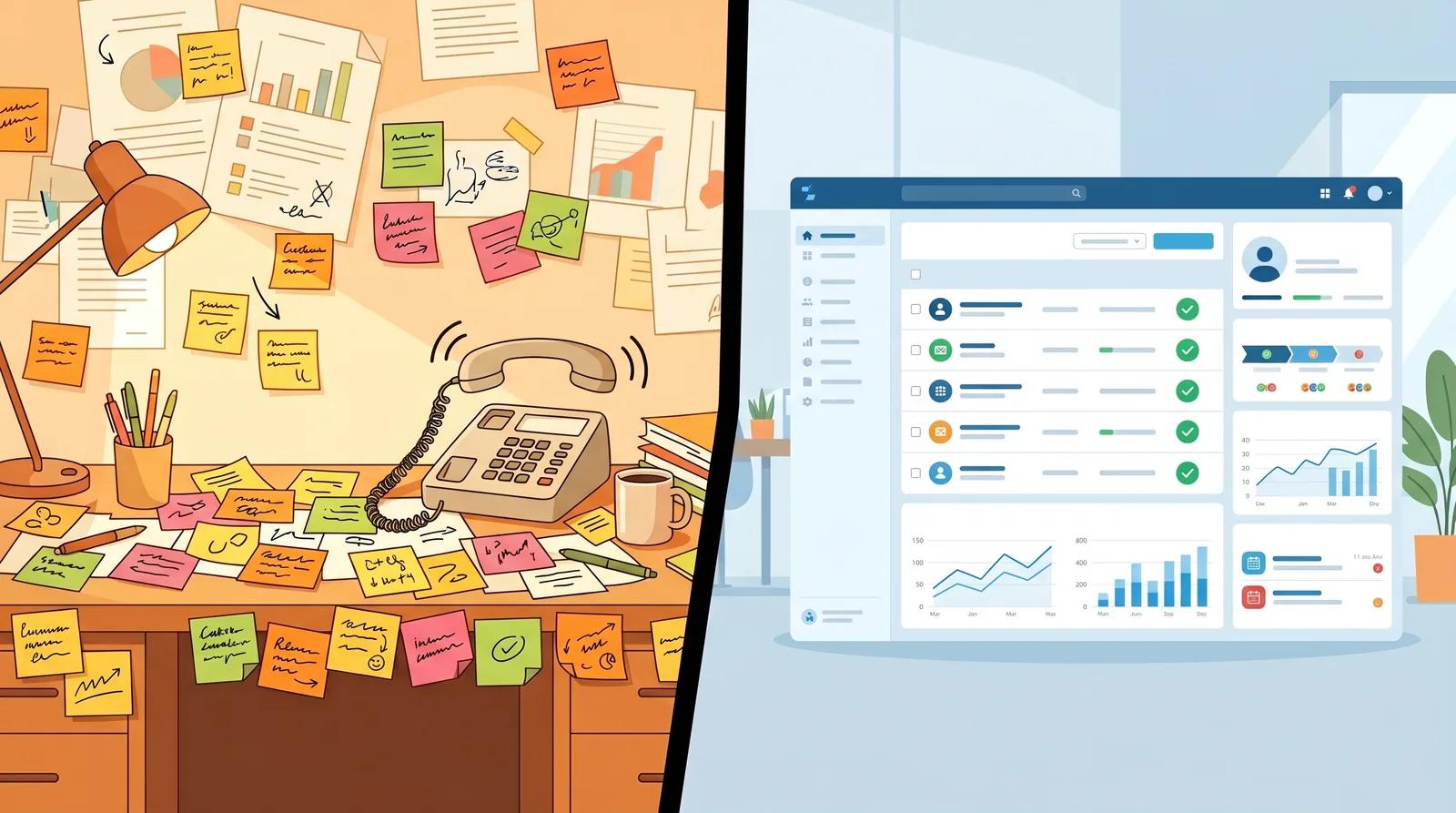
Every business owner says it: "Our follow-ups are too personalized to automate." Then I ask how many leads actually get a response within 24 hours. The answer is usually somewhere between 40–60%. Not because the team doesn't care. Someone is doing it manually between everything else.
Here's what the automation actually does: the moment a form is submitted, a trigger fires. It scores the lead based on source, service type, and the answers they gave. A personalized sequence goes out using the lead's name, the specific service they asked about, and your actual tone. A task gets created in your CRM. Your team gets notified.
All of that happens before your first coffee cools down.
The "too personalized" objection is really a "too manual" problem with a better-sounding name. Automation doesn't remove the personal touch. It makes sure the personal touch happens every time, not just on the days when someone remembered to do it.
2. Processing Invoices and Payments
"We have to review each one."
The assumption: invoices vary too much. Different clients, different services, different rates, exceptions everywhere. You need a human eye on each one.
The reality: your exceptions are less unique than you think. Most service businesses have 3–5 invoice types that cover 90% of their volume. The other 10% (the real edge cases) still land in a review queue for a human. The automation handles the 90% and flags the 10%. Your team focuses on the actual judgment calls, not the copy-paste work.
We've seen this exact pattern in law firms, insurance agencies, and real estate offices. Same objection every time. Same result: 6–8 hours per week handed back to the team that was spending them on data entry.
The automation took less time to build than the manual process takes in a single month.
3. Scheduling and Calendar Management
"Our clients won't use a system."
Sometimes that's true. More often, it's an assumption that hasn't been tested since 2019.
Modern scheduling automation doesn't replace your front desk, it handles the back-and-forth that eats up your front desk's morning. A client books online, a confirmation goes out instantly, reminders fire at 24 hours and 1 hour before the appointment, and a cancellation triggers a re-booking workflow automatically. Your team handles the calls that actually need them.
For businesses with multiple staff members, service types, or locations, automated scheduling also eliminates the double-bookings that happen when someone grabs the wrong calendar on a busy afternoon. (Yes, this is a real thing. No, it never stops being an awkward conversation.)
The clients who said they'd never book online are usually the loudest advocates for it within 60 days.
4. Customer Intake and Onboarding
"There are too many variables."
Intake forms feel manual because most businesses built them to be manual: a PDF attachment, a DocuSign link, a spreadsheet somebody updates by hand. The client's information lives in three places and someone reconciles it every Monday.
Automating intake means the form submission populates the CRM record, triggers the welcome sequence, creates the project folder, assigns the account manager, and routes follow-up questions to the right person, all before your team even sees the client's name in their inbox.
As a licensed public adjuster managing 200+ active claims at a time, I built the first version of this system out of necessity. Manually tracking documentation status, follow-up timelines, and adjuster assignments across that many clients wasn't a process problem. It was a math problem. Automation didn't replace judgment. It replaced the spreadsheet.
The "too many variables" objection usually surfaces in businesses where intake has been manual long enough that nobody has actually mapped it end-to-end. Map it. The variables tend to collapse into 3–4 categories once you look at the data.
5. Reporting and Data Reconciliation
"Someone needs to know what the numbers mean."
True. But someone doesn't need to compile the numbers. That's where the hours live: pulling data from your CRM, your billing platform, your project management tool, and your inbox. Formatting it. Building the same report you built last month, except the dates changed.

Automated reporting pulls from every platform on a schedule, consolidates it, calculates the metrics you care about, and delivers a formatted report. Your team reads it. They interpret it. They act on it. They don't build it from scratch every time.
AI doesn't replace your team, it removes the work your team hates doing. The data entry, the follow-up emails, the Monday morning report that takes two hours to assemble. When that work disappears, the hours don't vanish. They move to the things that actually move the business. That's where the real return on automation lives. We broke down what that manual work is really costing you in a separate post.
The Bottom Line
The pattern across all five of these is the same: the task sounds too variable, too human, too specific to your business to hand off to a system. Then someone actually maps the workflow, and the automation turns out to be straightforward. What was holding it back wasn't complexity. It was familiarity. The manual process felt normal because it had been normal since year one. Not sure which of these to tackle first? We wrote a guide on how to pick the first process to automate, including a simple test you can run on any workflow. Automating it first is also what separates the businesses that get real returns from AI from the 96% that stall out. Once you pick the process, the next hurdle is how to roll AI out to your team so the adoption actually sticks.
If any of these five sound like your team's week, that's worth a conversation. Book a free discovery call. No commitments, just clarity. We'll spend 30 minutes mapping what's actually happening. You'll leave with a plan even if you never hire us, which, genuinely, is fine by us.
Knowing what AI can absorb is half the decision. The other half is knowing where a person still belongs. Here is where we draw that line.
Holding a real conversation in two languages is the one most owners assume AI cannot do. It can, but not every platform can.